
How to make a professional product demo video on Windows

You have seen the smooth, zoomed-in demos founders post, and most of them use a Mac tool. Rapidemo brings that look to Windows, automatically, so you can make a professional product demo in minutes without editing skills. Here is how.

Free to record and edit. License unlocks export.

Rapidemo is built for Windows

Get a download link sent to your email for when you're back at your computer.

Check your inbox for your download link.

Just one email, no spam. Download for Windows.

Make a professional demo, step by step

A great product demo is short, easy to follow, and looks polished without hours of editing. The "Screen Studio look," smooth zoom-in effects on clicks and a gliding cursor, is what makes a recording feel professional, and until recently it was a Mac-only trick. Rapidemo does it automatically on Windows 10 and 11. Here is the fastest way to make one.

  1. 1

    Keep it short and show the outcome first

    The best product demos are under about 90 seconds and lead with the result, not a slow tour. Makers say they are put off the moment a demo drags, so script the one thing your product does, problem to outcome, before you record.
  2. 2

    Record with a tool that adds the polish for you

    On Windows, a plain screen capture looks flat, and it is not just a screen recording that people react to, it is the smooth, zoomed-in motion. Rapidemo records your screen (and optional webcam and mic) and adds that polish automatically, so you do not need to be a video editor.
  3. 3

    Let Rapidemo add smooth zoom-on-click and cursor motion

    This is the "Screen Studio look" people ask for, on Windows. Rapidemo detects your clicks and eases in with a smooth zoom, then smooths the cursor so it glides between targets. No keyframing, no plugins.
  4. 4

    Fine-tune the automatic zooms

    Rapidemo adds the zooms for you. If a zoom ever looks off, remove or adjust it in the timeline, so the emphasis stays on the moments that matter.
  5. 5

    Add subtitles and pick your aspect ratio

    Generate subtitles in one click (many people watch demos muted), then export 16:9 for a landing page or 9:16 and 1:1 for social, all from the same recording.
  6. 6

    Export and share

    Export up to 4K at 60 fps and drop the video on your landing page or send a shareable link. You have a professional-looking demo in minutes, and you never opened a video editor.

Professional product demos: FAQ

Common questions about making a professional product demo on Windows.

How do I make a product demo video that looks professional?

Record with a tool that adds motion polish automatically. Rapidemo zooms in on your clicks, smooths the cursor, and adds subtitles from a single take on Windows, so the demo looks professionally edited without editing skills.

Is there a Screen Studio for Windows?

Screen Studio is macOS-only. Rapidemo is the closest Windows equivalent: it reproduces the smooth zoom-on-click and cursor motion that gives Screen Studio demos their look, natively on Windows 10 and 11.

How long should a product demo video be?

Short. Most viewers lose interest past a couple of minutes, so aim for 30 to 90 seconds, show the outcome first, and cut anything that is not essential.

How do I make a demo without any video-editing skills?

Let the recorder do the editing. Rapidemo adds the polish for you, then lets you adjust it with simple controls instead of a traditional multitrack timeline, so there is nothing to learn.

Can I try Rapidemo for free?

Yes. Download Rapidemo and use every feature for free. You only need a license to export your finished video.

How much does Rapidemo cost?

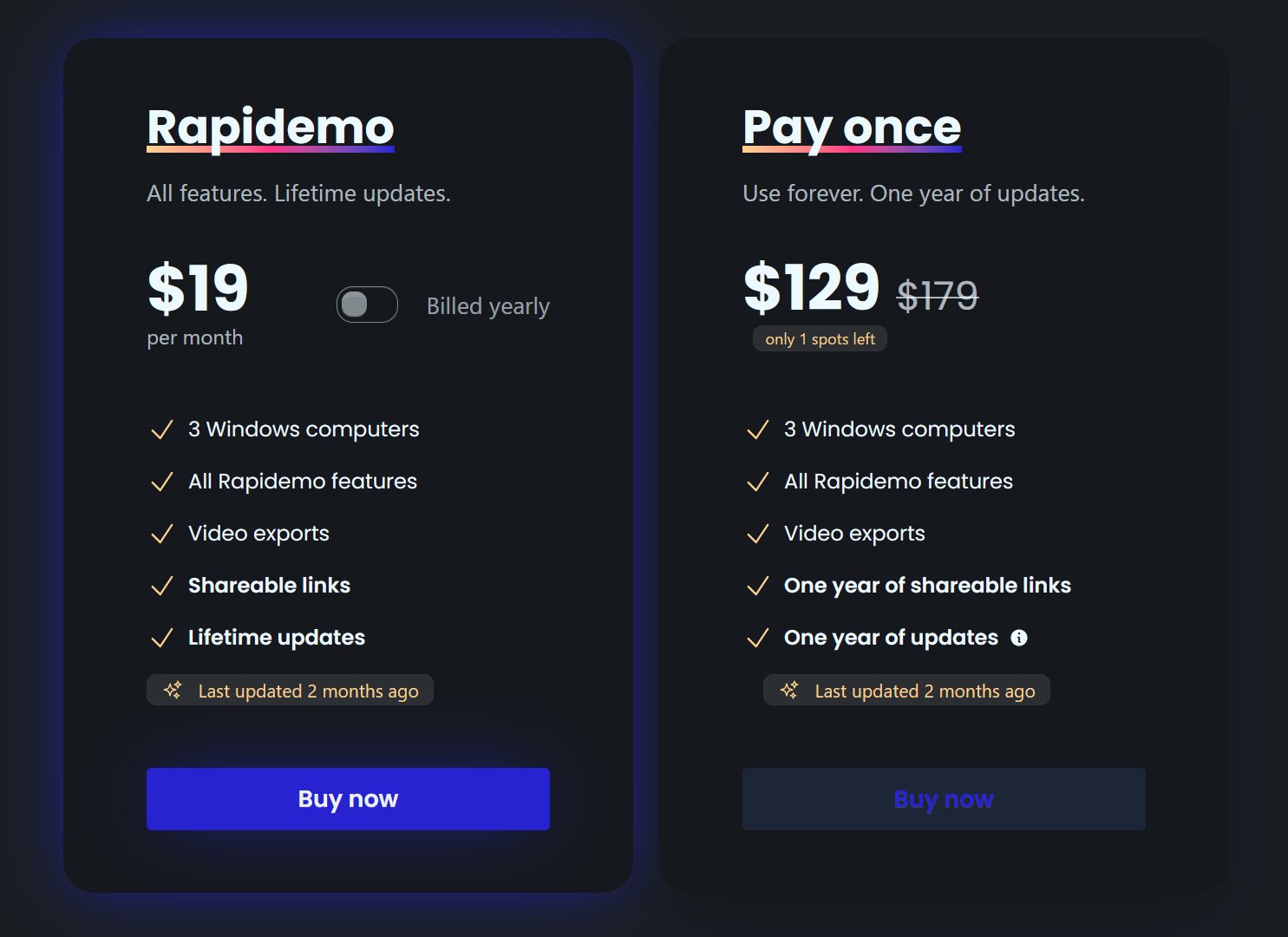
Rapidemo starts at $9/month billed annually, with a monthly plan and a one-time lifetime license also available. See the pricing page for full details.

Can I get a refund?

Yes. Lifetime license purchases are refundable within 7 days. Subscriptions and lifetime renewals are non-refundable.

What Rapidemo users are saying

900+ creators record their screen with Rapidemo. Here is what they say about it.

Headshot of Sabahudin Murtić
Sabahudin Murtić AI Strategy & Implementation Partner
Most Windows users waste hours editing their screen recordings—here’s how to skip the hassle with Rapidemo.

(the link is in comments)

I'm testing out Rapidemo to see how Claude's new "Create&Edit styles" work.

Here's what makes Rapidemo special:

➤ It Makes Videos Look Great By Itself
↳ Follows your mouse around.
↳ Zooms in when you click.
↳ No need to edit your videos.

➤ Easy to Use Tools
↳ Add your face with a webcam.
↳ Record your voice.
↳ Get subtitles with one click.

What I Like Most:
I use Rapidemo to make video about Claude.

The videos look super neat without me doing extra work!
If you want to change anything, there's a simple editor you can use.

Remember: This only works on Windows users!
It is an even better alternative for Mac users that use ScreenStudio.

Quick Question: What do you use to record your screen?

P.S.

Claude writes this post.
What is cool is that Claude even remembered my symbols and the way I formatted my posts.

G
George
Really great app, perfect for making slick screen recording videos.
JC
Joe Cornell
This v1.33.0 update really rocks! I most like the option to browse to the location for the export. Using this feature makes it much easier for me to collect and track project videos.
AB
Abdesselam Belkhiri
excellent outil bravo ! très niché très utile, vite on récupère la valeur business !! :)
Headshot of ととしま
ととしま @toyoshima_dev
Rapidemoめっちゃよかったから課金はしようと思うんだけど、買い切りにするか悩むねえ
使うときだけ毎月課金がお得なのは理解してるんだけど、俺は買い切りって言葉に弱えんだ
Headshot of aron
aron @designbyaron
rapidemo is the sauce for windows
S
Sahand
After trying others, I can say there’s no real alternative to Rapidemo
HS
Harry Symons