 Rapidemo
Video background
Last updated:
Add your style and branding to the video by selecting a gradient, photo, color or wallpaper in the Background properties.
Change the background
A strip at the top of the Background properties picks where the background comes from: Gradient, Photo, Color or Wallpaper. The grid below it shows that source’s options.
Create a New gradient by defining the color stops.
Click Open photo to pick an image from your computer. Photos you’ve used before are shown for quick access.
Choose a solid color with the color picker, or enter RGB, HSL or hex values.
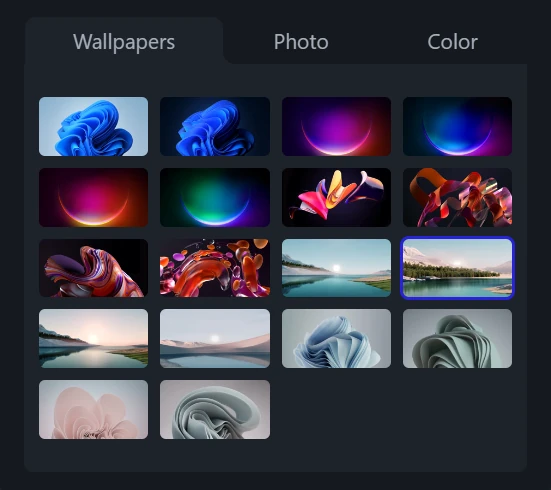
Wallpapers come from your OS, so the grid shows whatever your computer has.
In multi-scene projects, each Scene has its own background.